Microsoft Excel Complete Course (Basic to Advanced)
About Course
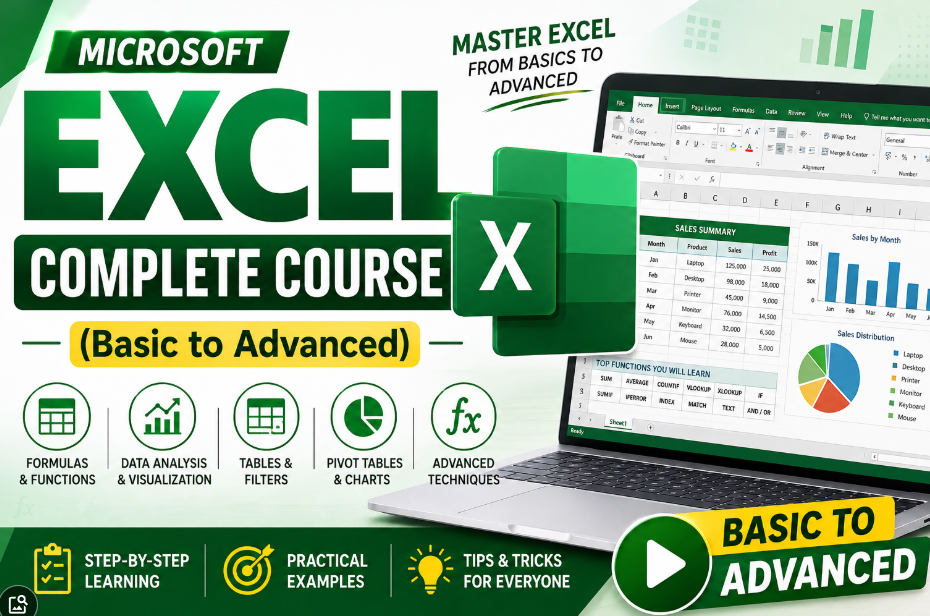
Master Microsoft Excel with this comprehensive course designed for beginners and advanced learners alike. Learn how to create spreadsheets, use formulas and functions, analyze data, build charts and dashboards, manage databases, automate tasks, and increase productivity with real-world projects. By the end of this course, you’ll be able to use Excel confidently for office work, business, accounting, data analysis, and reporting.
What You’ll Learn
-
Excel Interface & Workbook Basics
-
Data Entry, Formatting & Cell Styles
-
Formulas & Functions (SUM, IF, VLOOKUP, XLOOKUP, INDEX-MATCH, etc.)
-
Tables, Sorting & Filtering
-
Conditional Formatting & Data Validation
-
Charts & Graphs
-
Pivot Tables & Pivot Charts
-
Data Analysis Tools
-
Lookup & Logical Functions
-
Date, Time & Text Functions
-
Dashboard Creation
-
Printing & Page Setup
-
Advanced Excel Tips & Productivity Tricks
Who Should Enroll?
-
Students
-
Job Seekers
-
Office Professionals
-
Accountants
-
Data Analysts
-
Business Owners
-
Freelancers
-
Anyone who wants to become an Excel expert
Course Features
-
✅ Beginner to Advanced Level
-
✅ Practical, Real-World Examples
-
✅ Step-by-Step Video Lessons
-
✅ Downloadable Practice Files
-
✅ Office & Business Projects
-
✅ Lifetime Access
-
✅ Certificate of Completion
No prior Excel knowledge is required. Whether you’re preparing for a job, improving office skills, or managing business data, this course will help you become confident and productive with Microsoft Excel.
Course Content
Introduction of Microsoft Excel
Let’s Start Learning Functions & Formulas (Math & Trig Formulas)
Lookup & Reference Formulas
Logical Formulas
Date & Time Formulas
Text Formulas
Home Tab
Insert Tab
Student Ratings & Reviews